Infovideo Raindance AI: remix the seaside duet
Explore the viral Infovideo Raindance AI seaside performance with four popular, attributed creator videos. Load a stored reference and an adapted prompt into the shared Seedance 2.5 workspace, then change the cast, preserve the pier choreography and review the generated soundtrack before sharing.
Video workspace
Subway Surfers seaside duet
23/30View prompt
Use @Video1 as the reference for the Raindance seaside performance. Feature the green-uniformed Subway Surfers inspector as the seated listener and Jake in his cap and denim vest as the standing performer. Preserve each character’s distinct appearance, body proportions and clothing through the seated opening, standing gestures, wide views and expressive closeups shown in the reference. Follow the visible camera sequence and performance timing. Keep the wooden pier, coastal water, warm light and level horizon consistent. Maintain natural anatomy, readable faces and hands or paws, with no identity blending or extra characters. Generate synchronized audio following the reference rhythm and vocal timing; review the complete result. No captions or abrupt location changes. To recast the pair, add your own character images and update the seated and standing role instructions.
Full reference video loads automatically. Optional: add two character photographs and map the seated and standing roles.
Seedance 2.5 · 30s · 720p · 4:3
Public creator reference by @tisha_bimbo; the original caption credits Higgsfield Genjutsu. Original prompt and seed were not published. This H3Max brief adapts the visible clip to Seedance 2.5 reference-to-video and is not a tested reproduction. Use This Prompt loads the full stored H.264 reference, adapted brief and supported settings. Review generated identities, motion and audio. Instagram displayed 49.8 万 likes at the October 4, 2026 check; this rounded count is not a worldwide ranking.
@tisha_bimboIntroduction
Infovideo What is Infovideo Raindance AI?
Infovideo Raindance AI describes character replacements in Dave and Tems’ seaside music-video scene. The recognizable wooden pier, seated listener and standing performer connect otherwise very different casts.
Infovideo Identify the original music video
Infovideo Raindance AI takes its visual starting point from Dave’s Raindance music video featuring Tems. Universal Music announced the official video on January 9, 2026, and confirmed that it was filmed in Lagos, Nigeria. The recurring template is a sunny waterside performance, with one character initially seated and the other taking the singing role.
Infovideo Recognize the character swap
A Infovideo Raindance AI edit changes the pair while retaining familiar gestures, camera angles and the coastal setting. Cartoon, game and creature characters make the contrast especially clear. The standing character receives expressive closeups while the seated character reacts.
Infovideo Know the workflow on this page
The Infovideo Raindance AI examples credit Higgsfield Genjutsu in their creators’ captions. This independent H3Max workspace uses Seedance 2.5 reference-to-video through the existing generation flow.

How to use
Infovideo How to create a Infovideo Raindance AI remix
- STEP 1
Infovideo Choose a seaside reference
Watch a Infovideo Raindance AI example, inspect its credited original post, then load the stored video and adapted prompt with the button.
- STEP 2
Infovideo Map your two characters
Edit the Infovideo Raindance AI cast descriptions, or add two clear photographs and assign each image to the seated or standing role.
- STEP 3
Infovideo Review and create
Confirm Infovideo Raindance AI duration, framing, audio and the displayed quote. Sign in, then press Create when your prepared draft is ready.
- STEP 4
Infovideo Inspect the complete output
Play the full Infovideo Raindance AI result, check both identities through closeups, listen to its soundtrack, then download your preferred version.

Features
Infovideo Prepare two identities for Infovideo Raindance AI
Infovideo Raindance AI works best when the seated and standing roles have clear identities. Choose those roles before introducing replacement photographs or changing the wardrobe.
Infovideo Separate performer and listener
For Infovideo Raindance AI, map the seated listener and standing performer explicitly. The gallery prompt initially describes the characters already visible in the reference. To recast them, add two separate character images and explain which image belongs to each role.
Infovideo Use portraits with usable detail
Choose Infovideo Raindance AI character photographs that show one subject clearly, with readable eyes, hair and clothing. Even light and a slight front angle usually provide a cleaner starting point than a distant group photograph.
Infovideo Keep the poster out of character inputs
Each Infovideo Raindance AI example has a preview poster extracted from its video. Use This Prompt loads the actual stored moving reference, rather than uploading that poster as a new identity.

Infovideo Direct Infovideo Raindance AI movement and camera
A useful Infovideo Raindance AI brief explains the performance’s sequence. Describe the seated opening, the standing subject’s gestures and the closeups, with the reference providing timing.
Infovideo Preserve the action sequence
Ask Infovideo Raindance AI to follow the visible seated-to-standing staging and expressive singing gestures in the reference. Keep the listener’s reactions distinct from the performer’s movement. Avoid adding acrobatics or a new dance routine on top of the existing scene.
Infovideo Keep the coast coherent
For Infovideo Raindance AI, retain the wooden pier, blue water, warm sunlight and stable horizon. The original camera includes changes of framing, so a rigid instruction to use one static shot may conflict with the source. Follow the reference angles while preventing sudden location changes, extra people or characters passing through the pier.
Infovideo Choose a supported duration
The Infovideo Raindance AI default is thirty seconds, 720p and 4:3 with generated audio enabled. Three stored references run about twenty-nine seconds; the dragon example runs about twenty-eight seconds and loads a twenty-nine-second output setting. Output duration is a generation choice, while each complete source clip remains available for review.
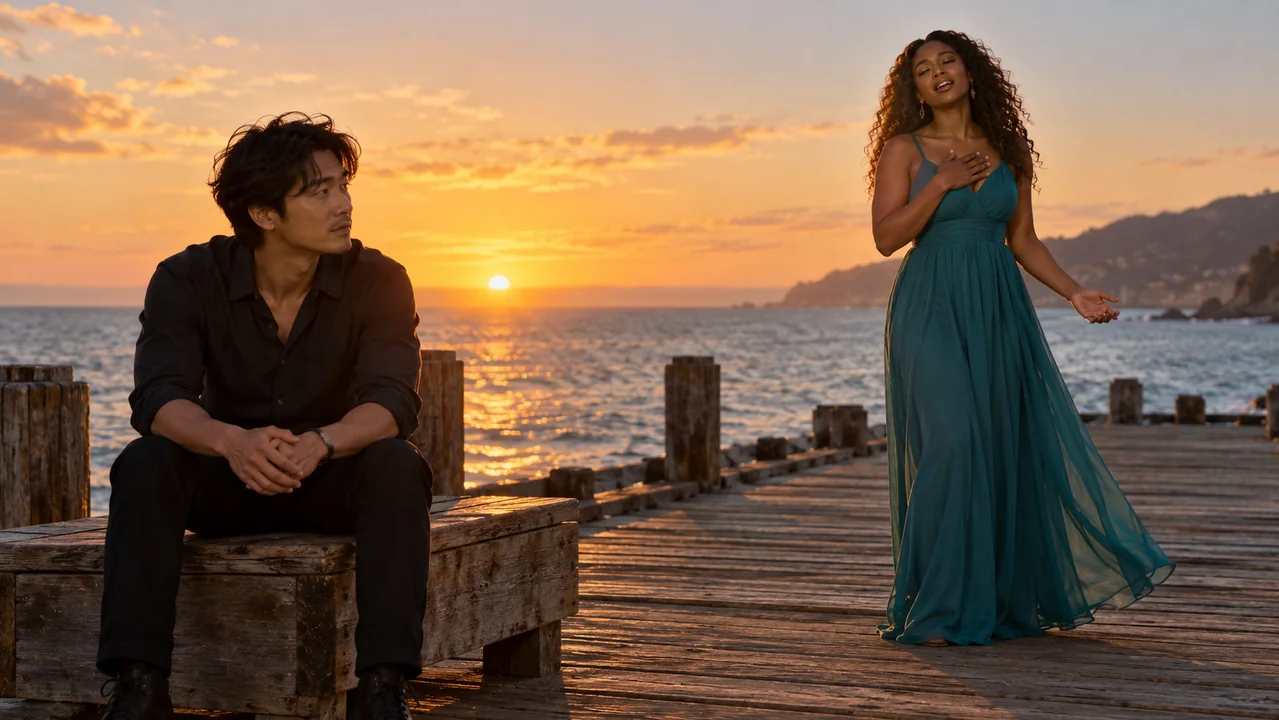
Infovideo Check Infovideo Raindance AI soundtrack and gestures
Infovideo Raindance AI is a music-video trend, so visual identity is only part of the result. Compare the complete motion and listen to the generated audio.
Infovideo Make audio an explicit choice
Infovideo Raindance AI enables synchronized generated audio in this workspace. The reference carries the creator’s soundtrack, but a generated output does not promise an identical copy of that recording. Ask for matching performance rhythm and vocal timing, then listen. For precise final music placement, align your chosen soundtrack in an editing workflow after downloading the result.
Infovideo Watch through every closeup
Review Infovideo Raindance AI from the opening seated pose to the final hold. A face can look consistent in a wide shot and change during a closeup. Check mouths, eyes, hands and clothing whenever the framing changes. Animal or cartoon characters also need consistent proportions; one convincing preview frame does not establish that the full performance works.
Infovideo Inspect a complete reference
The Infovideo Raindance AI collection preserves full downloaded video and audio streams, a combined original and a compatible H.264 playback version. The viewing version retains the complete timeline and soundtrack while using 720p for practical browser loading. Source records retain measured duration, dimensions, codecs and checksums, making the files traceable to their credited public posts.
Infovideo Explore Infovideo Raindance AI cast and style choices
Infovideo Raindance AI has spread through contrasting character pairings. Decide whether the subjects should retain their cartoon, game or creature appearance before changing motion or background.
Infovideo Keep illustrated characters recognizable
For an illustrated Infovideo Raindance AI pair, name a few consistent visual cues such as a white hood, pink hair, crown or distinctive silhouette. Preserve flat outlines when that is part of the character’s appearance. The Adventure Time reference shows how an illustrated pair can remain readable against a realistic seaside setting without turning into different people.
Infovideo Translate creature anatomy carefully
A creature Infovideo Raindance AI remix needs more than a face replacement. State the body shape, relative scale, wings, paws or other visible features that should remain consistent. The dragon and Madagascar references use very different proportions. Keep movements manageable, inspect appendages during closeups and avoid instructions that unintentionally turn animal bodies into human anatomy.
Infovideo Change one creative decision at a time
Use Infovideo Raindance AI to compare a new pairing while keeping the reference timing and coastal scene stable. If the identities drift, improve the portraits or simplify the role instructions before adding camera changes. Once the cast works, try a different wardrobe or restrained gesture.

Infovideo Popular Infovideo Raindance AI examples and sources
The Infovideo Raindance AI gallery includes four named remixes from public creator posts, selected using visible popularity evidence and stored with direct source links.
Infovideo Subway Surfers and Adventure Time
Two popular Infovideo Raindance AI examples by @tisha_bimbo recast the scene with Subway Surfers characters and Finn with Princess Bubblegum. At the October 4, 2026 source check, Instagram displayed approximately 498,000 and 118,000 likes respectively. These are rounded, dated figures for those posts. They establish substantial engagement, rather than a complete ranking of every remix worldwide.
Infovideo Dragons and Madagascar
The Infovideo Raindance AI selection also includes Toothless with the Light Fury and Alex with Gloria, published by the same creator. Instagram displayed about 110,000 and 81,000 likes at the source check. All four captions credit Higgsfield Genjutsu. Their exact original prompts and seeds were not published, so the workspace uses clearly identified adapted briefs.
Infovideo Reuse a documented starting point
Select a Infovideo Raindance AI thumbnail and watch its full stored reference. Use This Prompt prepares the video input, adapted brief and compatible output settings. Edit the cast or add your own photographs before generating. Earlier Opus and Hotel Lobby examples remain available in the shared gallery, and loading a reference does not submit a paid generation.
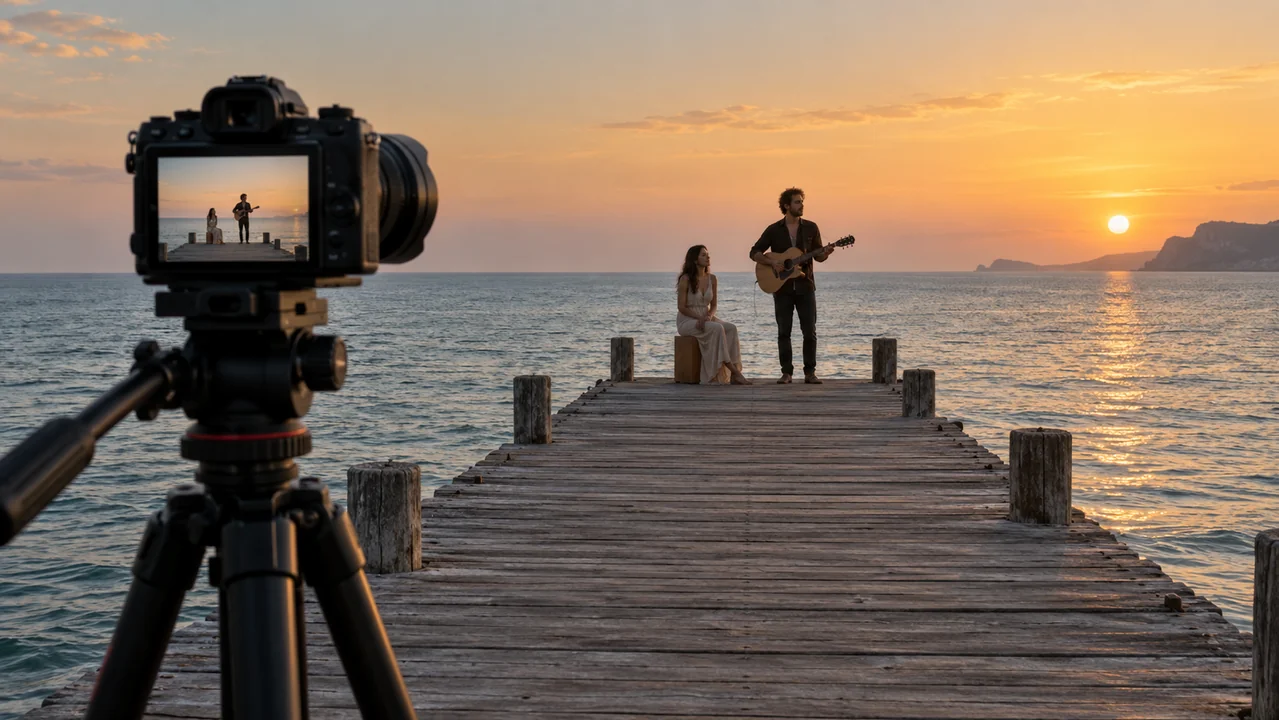
Example prompts
Infovideo Raindance AI with a fictional seaside pair
Use @Video1 for the wooden pier, coastal light, camera changes and performance timing. Replace the seated listener with a fictional adult man in a navy shirt and the standing performer with a fictional adult woman in a mint dress. Preserve distinct identities, natural hands and the visible singing gestures across closeups. Generate synchronized audio matching the performance rhythm. No extra people, captions or sudden location changes.
Infovideo Raindance AI using two character photographs
Use @Video1 for the seaside staging, gestures and camera sequence. Replace the seated listener with the subject in @Image1 and the standing performer with the subject in @Image2. Keep each face, hairstyle, clothing and body shape consistent through wide views and closeups. Maintain the wooden pier and level water horizon. Generate synchronized audio and review the complete performance timing.
User reviews
H3Max video creator feedback.
H3Max creator reviews

I made a full character PV for my game with MiniMax H3 in one afternoon. The menu UI stayed readable in every frame and the character never went off-model. That used to cost me a contractor and three weeks.

We tested every AI video generator on the market for stylized work. H3 is the only one that held our anime style across cuts. We now use it for pitch reels and animatics on every project.

I uploaded four product photos and got a listing video with music and a voiceover the same day. My click-through rate on the new listings is up 38%. H3 even got the label text on my packaging right.

I ship five vertical videos a week for three brands. MiniMax H3 gets me from brief to draft in under an hour, with sound already synced. My old workflow needed a videographer and two review rounds.

The editing side is what sold me. A client wanted the background of an interview changed — I typed one sentence into MiniMax H3 and the lighting on the subject matched the new scene automatically.

I previsualized my entire short film in MiniMax H3 before we shot a single frame. Rack focus, match cuts, even the title cards — it understands director language, not just keywords.
Infovideo Pricing and Credit Plans
Cancel anytime
Pay once annually; receive 1/12 of your annual Credits each month. The first allocation arrives after payment, followed by monthly subscription anniversaries.
Lite
50% off0.025 / credit
Billed $ yearly179· Save $179.8
Video Models



Image Models



- Includes MiniMax H3 and all premium models
- Up to 1 batch generation task
- Standard generation speed
- Standard generation success rate
- Standard customer support
- Commercial Use License
Standard
50% off0.017 / credit
Billed $ yearly299· Save $299.8
Video Models
Image Models
- Includes MiniMax H3 and all premium models
- Up to 4 batch generation tasks
- Priority processing speed
- High generation success rate
- Priority customer support
- Commercial Use License
Pro
50% off0.014 / credit
Billed $ yearly599· Save $599.8
Video Models
Image Models
- Includes MiniMax H3 and all premium models
- Up to 10 batch generation tasks
- Fastest generation speed
- High generation success rate
- Dedicated account manager
- Commercial Use License
Max
50% off0.012 / credit
Billed $ yearly1,199· Save $1,199.8
Video Models
Image Models
- Includes MiniMax H3 and all premium models
- Up to 10 batch generation tasks
- Fastest generation speed
- High generation success rate
- Dedicated account manager
- Commercial Use License
Pay safely and securely with























FAQ
Frequently asked questions
What does Infovideo Raindance AI refer to?
Infovideo Raindance AI refers to character-replacement remixes of Dave and Tems’ coastal music-video scene. The recurring wooden pier, seated listener, standing performer and recognizable gestures make the source easy to identify. This page focuses on that creative trend.
Which model powers this Infovideo Raindance AI workspace?
The Infovideo Raindance AI examples’ creators credit Higgsfield Genjutsu, while this H3Max workspace uses Seedance 2.5 reference-to-video. The adapted prompts describe the visible references for the supported H3Max engine. They are not the creators’ original prompts or verified reproductions.
What does Use This Prompt load?
Use This Prompt loads the selected Infovideo Raindance AI reference video, an adapted brief and supported output settings. It prepares a draft without submitting generation or spending generation credits. The original creator link and source metadata stay available beside the example.
Can I use photographs of my own characters?
Yes. Add two separate character photographs to the Infovideo Raindance AI reference draft and update the role instructions. Assign the seated subject to @Image1 and the standing subject to @Image2 only after those images are uploaded. Review both identities when the camera changes angle.
Will the output preserve the original song exactly?
Infovideo Raindance AI can generate synchronized audio, but exact soundtrack preservation and perfect mouth timing are not guaranteed. Listen to the complete output and compare its gestures with the reference. Use your editing workflow when precise final music alignment is required.
CTA
Infovideo Create your Infovideo Raindance AI seaside remix
Choose a reference, assign the two roles and review the whole take. Infovideo Raindance AI provides a documented starting point in the shared workspace; your cast, timing and final audio choices shape the finished result.
Prepare a seaside remix